
Android phones and tablets
MovieHouse for Android
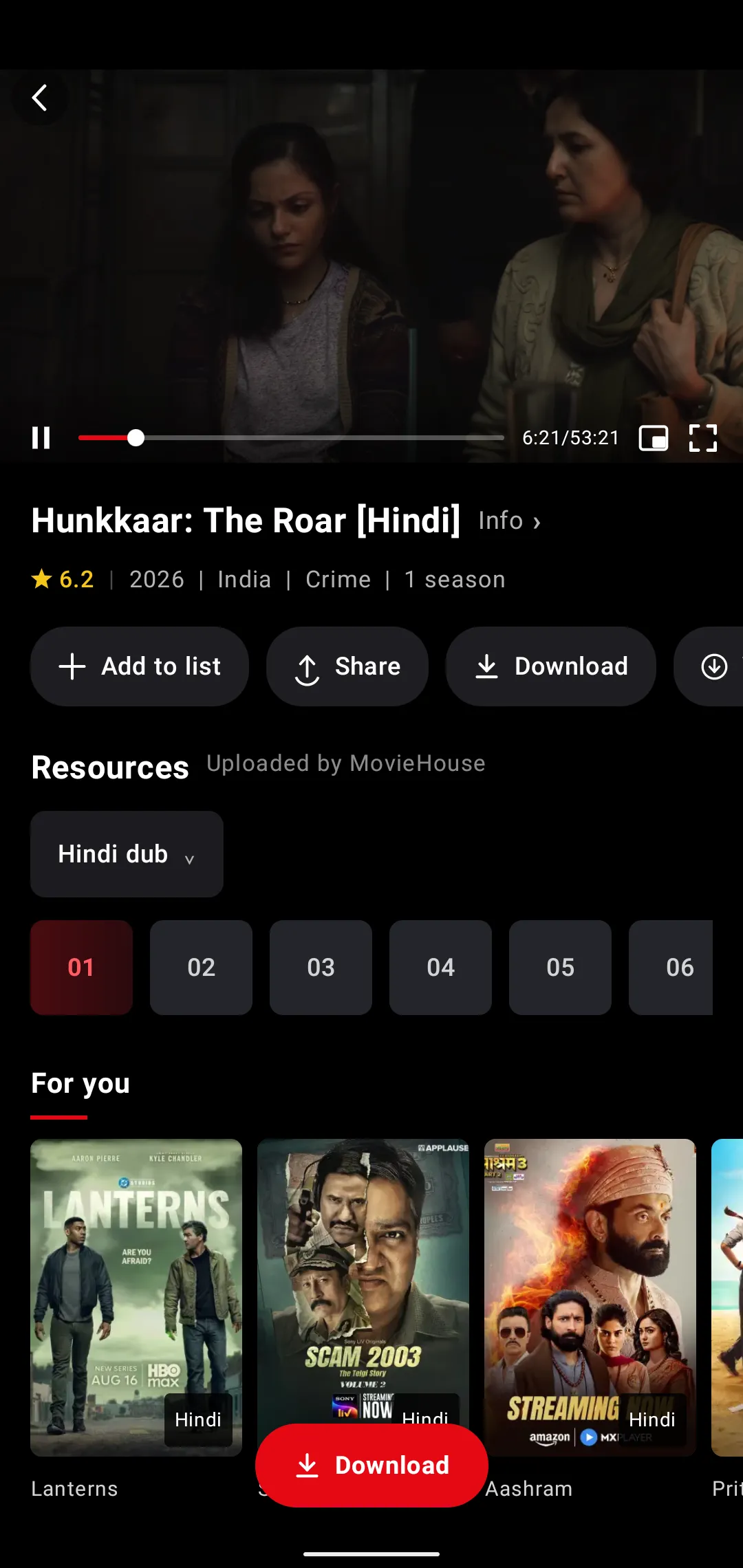
- Android 7.0 or later
- Works on tablets too
- Downloads for offline
- Floating mini player
Download APKDownloading 0%Saved. Open it to install
Version 1.2.39 · 4.4 MB
Movies, series, anime and shorts on your Android phone and Android TV. One free account, every screen. The film starts the moment you tap it.
Not your device?
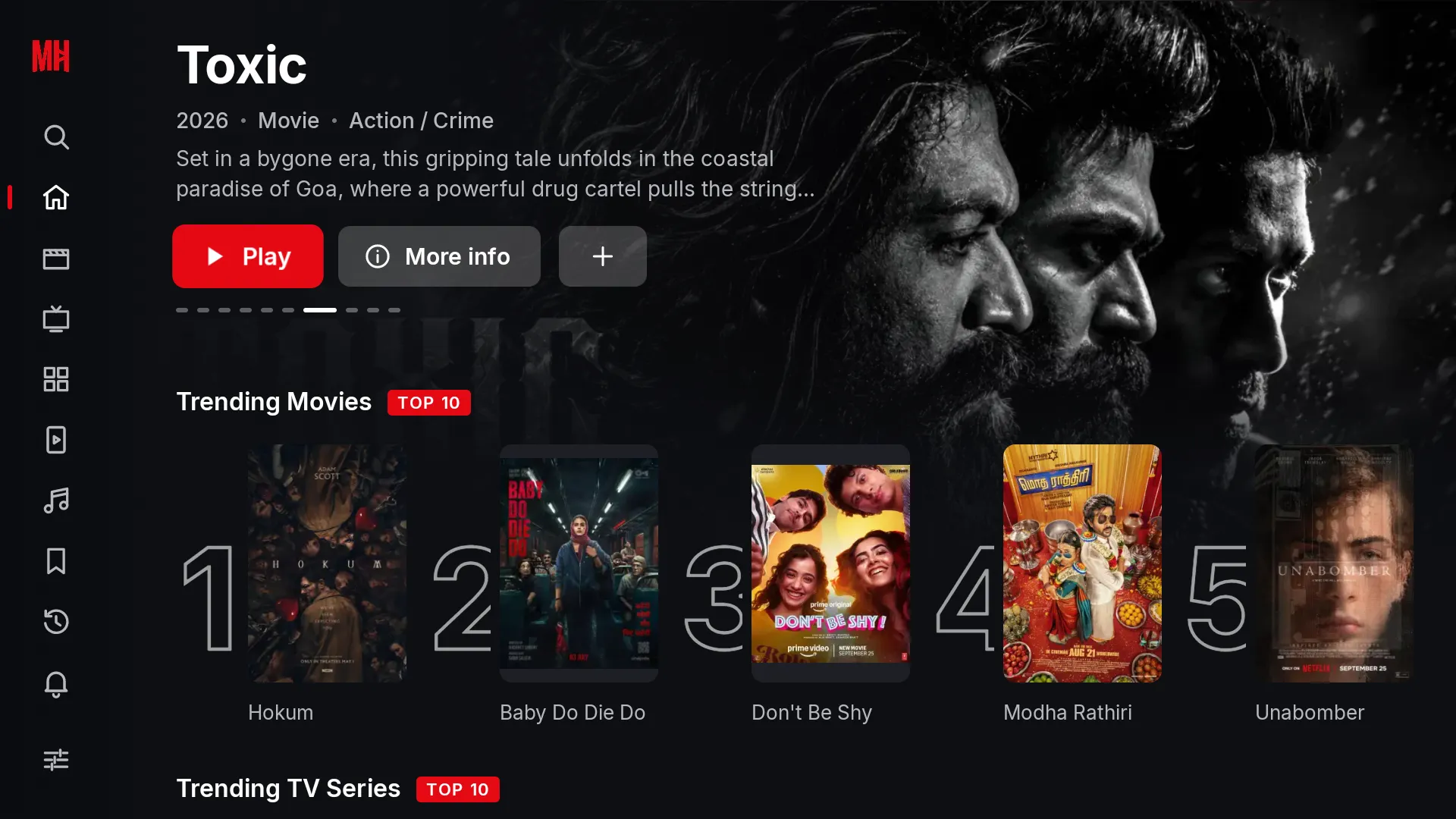
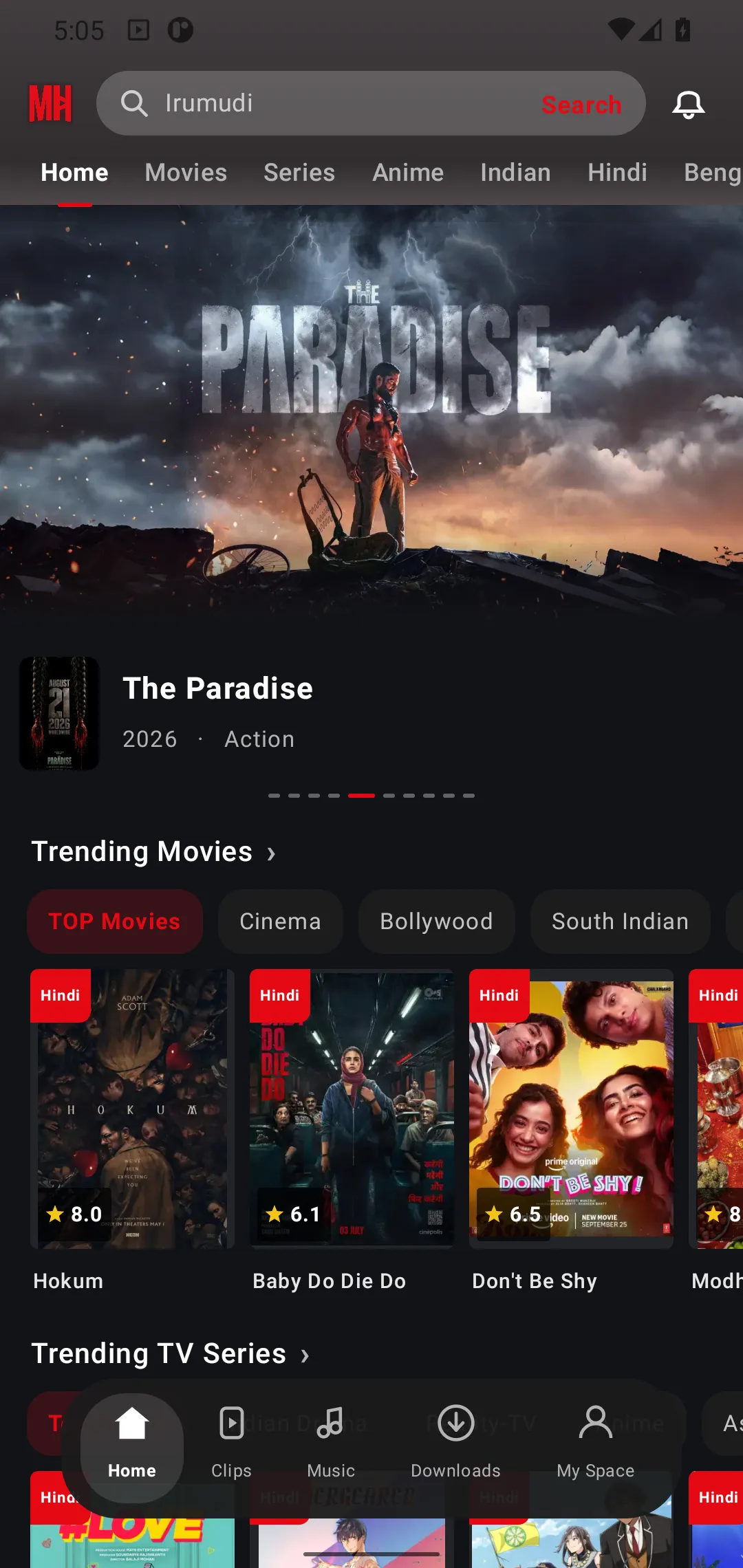
Two apps are ready today. The rest of the family is in the works, and every one of them signs in with the same account.
Builds update inside the app once installed.
Android phones and tablets
Version 1.2.39 · 4.4 MB
Android TV and Google TV
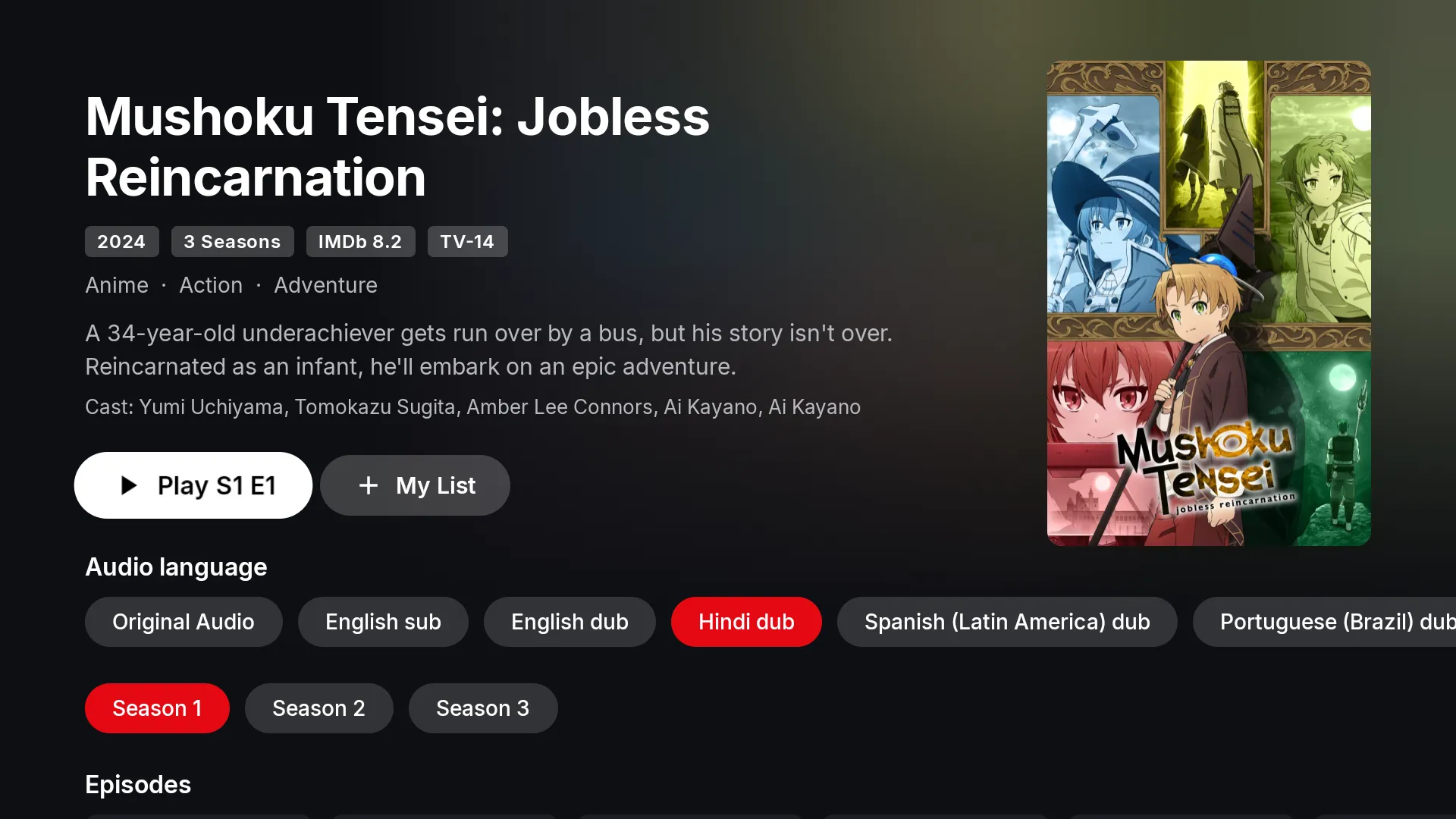
Version 1.2.1 · 3.9 MB
On the TV itself, open a browser or the Downloader app and enter moviehouse.bond/tv.
Coming next
The same account will carry your list and progress to each of these the day they ship. Release news lands on Telegram.
iPhone and iPad
iOS app
In development
Windows
Desktop app
In development
macOS
Desktop app
In development
Linux
Desktop app
In development
Web browser
moviehouse.cyou
In development
No settings to hunt for, nothing to unlock. This is what the player does the first time you open it.
Leave it on Auto or pin 1080p. The player keeps the choice for the whole series.
Original audio, Hindi, Bengali, English and more, switched mid-scene from the player.
Tap Subs, pick a language, and the line lands on the frame. No searching the web for files.
Save films and whole seasons to the phone. Downloads keep going in the background.
Your position follows your account from the phone to the TV.
The film shrinks into a floating window the moment you leave the app, and comes back full size when you return.
A vertical feed of short episodes and scenes, with like, quality, speed and subtitles one tap away. Tap Watch all to jump to the full title.
Swipe for volume and brightness, double tap to skip, pinch to zoom.
No source picking. The player finds the best stream and starts.
Save titles, get told when a new episode lands.
A dedicated Music tab sits next to Clips in the phone app.
Your list, your history and the exact second you stopped travel with you. Sign in on a new device and it already knows where you were.
Android TV
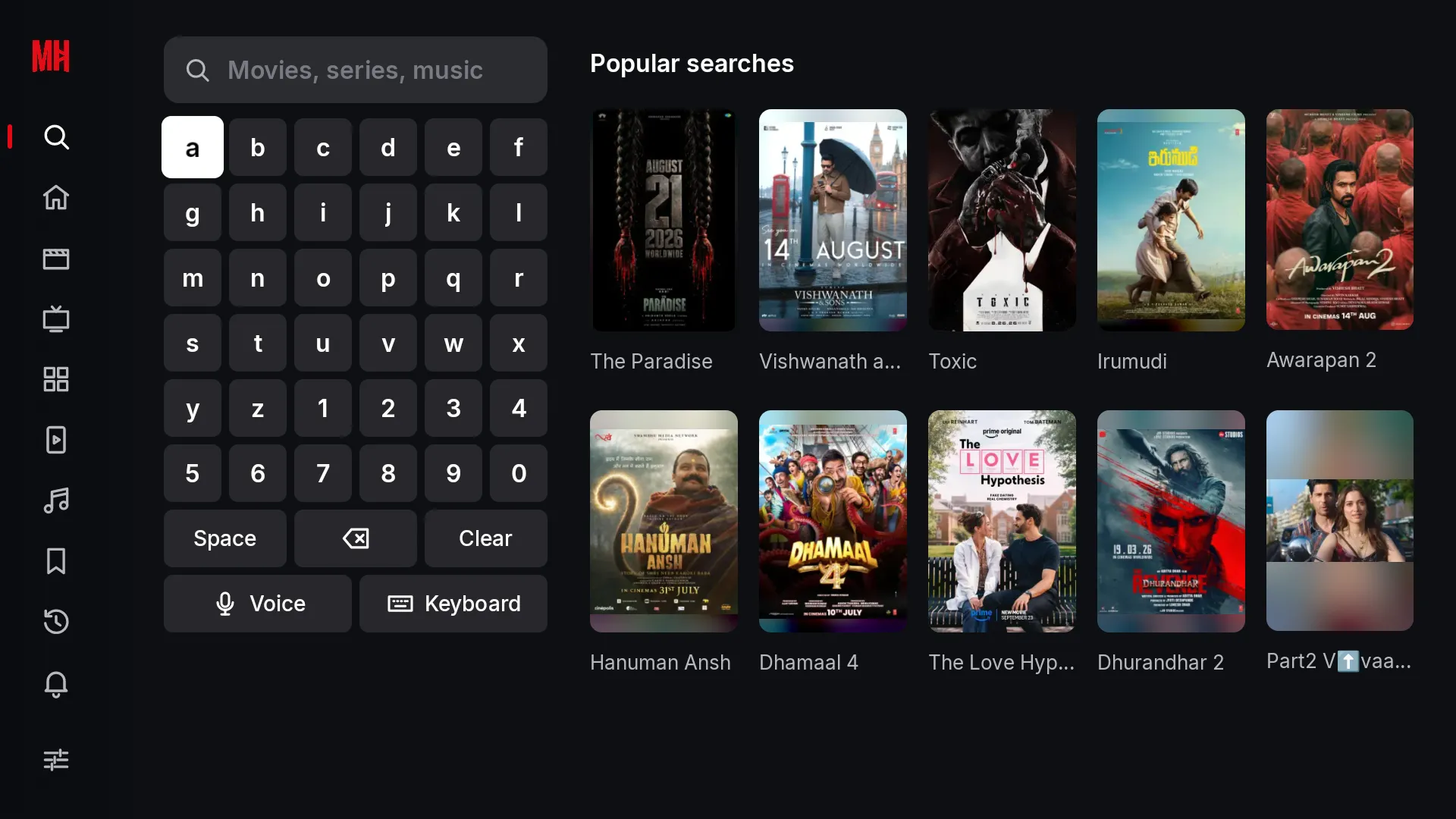
MovieHouse for TV is a separate app designed around the remote, not a stretched phone layout.
Big focus states, a left rail you can reach with one thumb, nothing hidden in long-press menus.
Hold the microphone key and say the title. The on-screen keyboard is there when you want it.
Original, dubbed or subtitled: the choice sits on the title page, not three menus deep.
The TV shows a code, your phone confirms it. Your list and progress appear on the big screen.
MovieHouse installs directly from a small APK file. After that, every update arrives inside the app with a single tap.
Android 7.0 or later, phone or TV.
Step 1
Use the button for your device. It is a small file, and the download starts right here on the page.
Step 2
Open the file. Android asks once whether your browser may install apps. Switch it on and go back.
Step 3
Create a free account or sign in. From here the app checks for updates itself and installs them when you say so.
Installing on a TV?
Open a browser or the Downloader app on the TV and enter moviehouse.bond/tv. The TV build downloads straight away. You can also copy the APK to a USB stick from your computer.
Yes. There are no ads and no subscription in the app today. Downloading the app and creating an account cost nothing.
MovieHouse is distributed directly from this site so that new versions reach you the same day they are ready. Once installed, the app updates itself from inside.
Android phones and tablets running Android 7.0 or later, and Android TV or Google TV devices. iPhone, iPad, Windows, Mac, Linux and a web version at moviehouse.cyou are in development.
Yes. Sign in on your phone and your TV with the same account; your list, history and playback position stay in sync. There is a limit on how many devices can be signed in at once, and you can release an old one yourself.
Films and episodes you download in the phone app play without a connection. Streaming needs internet.
Email [email protected]. Release notes and announcements are posted on the Telegram channel.
